Organized photo imports
Bring in a full shoot with folders, metadata, and RAW/JPEG pairs together.
- Batch uploads and folder import
- RAW/JPEG pairing
- Lightroom and Capture One metadata matching
For photographers and small studios
Private client galleries, AI-assisted selects, and a searchable photo library. Bring every shoot from first upload to final delivery in one workspace.
100 photos free. No credit card required.
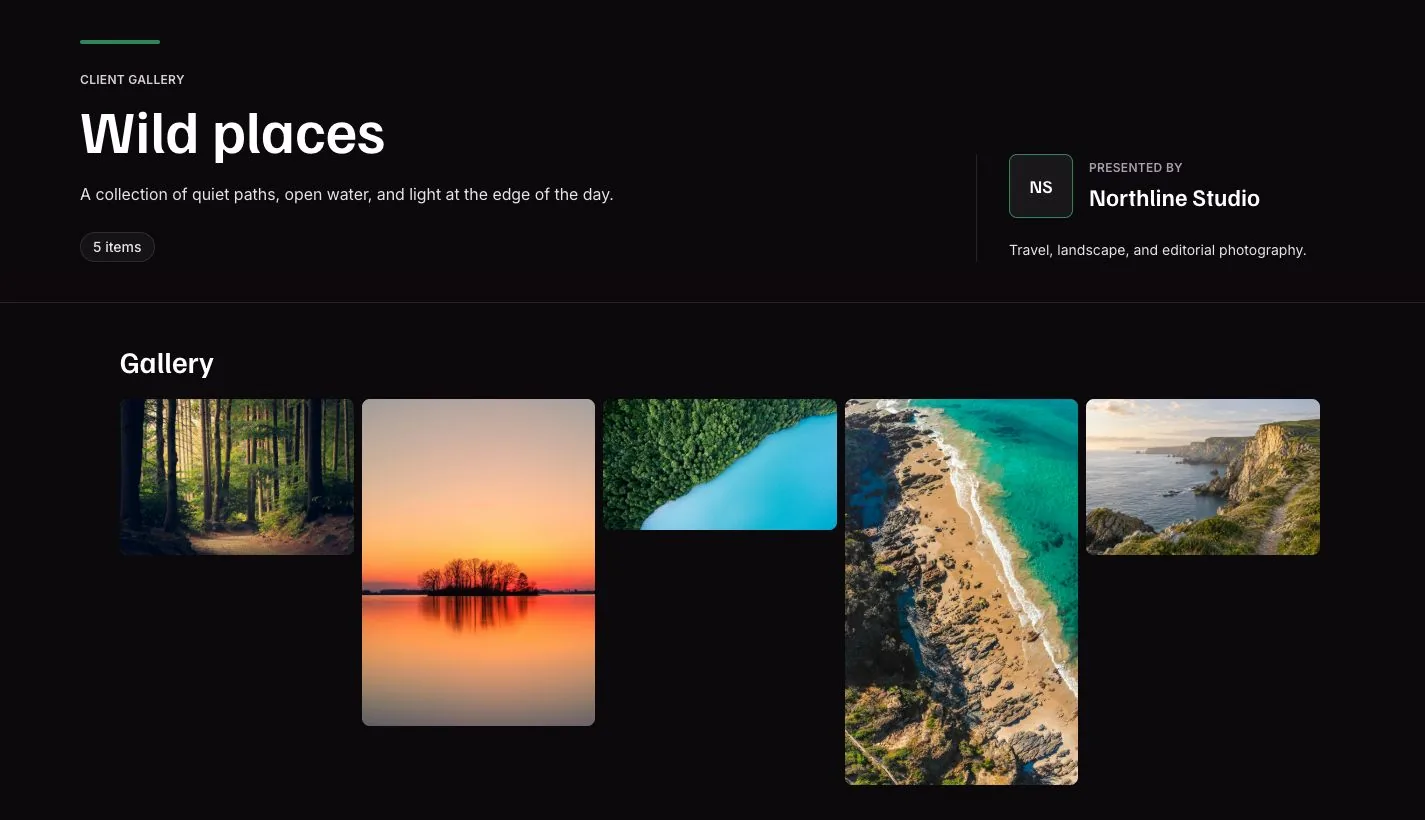
Your originals stay yours. You choose what clients can view and download.
Review suggested keepers and duplicates, with the final choice always yours.
Build a consistent look across the shoot while preserving your originals.
Search by what you remember, from a familiar face to the light in a scene.
Choose who can view your galleries and what they can download.
Import your work, choose the keepers, and deliver a gallery you are proud to share.
Import and organize
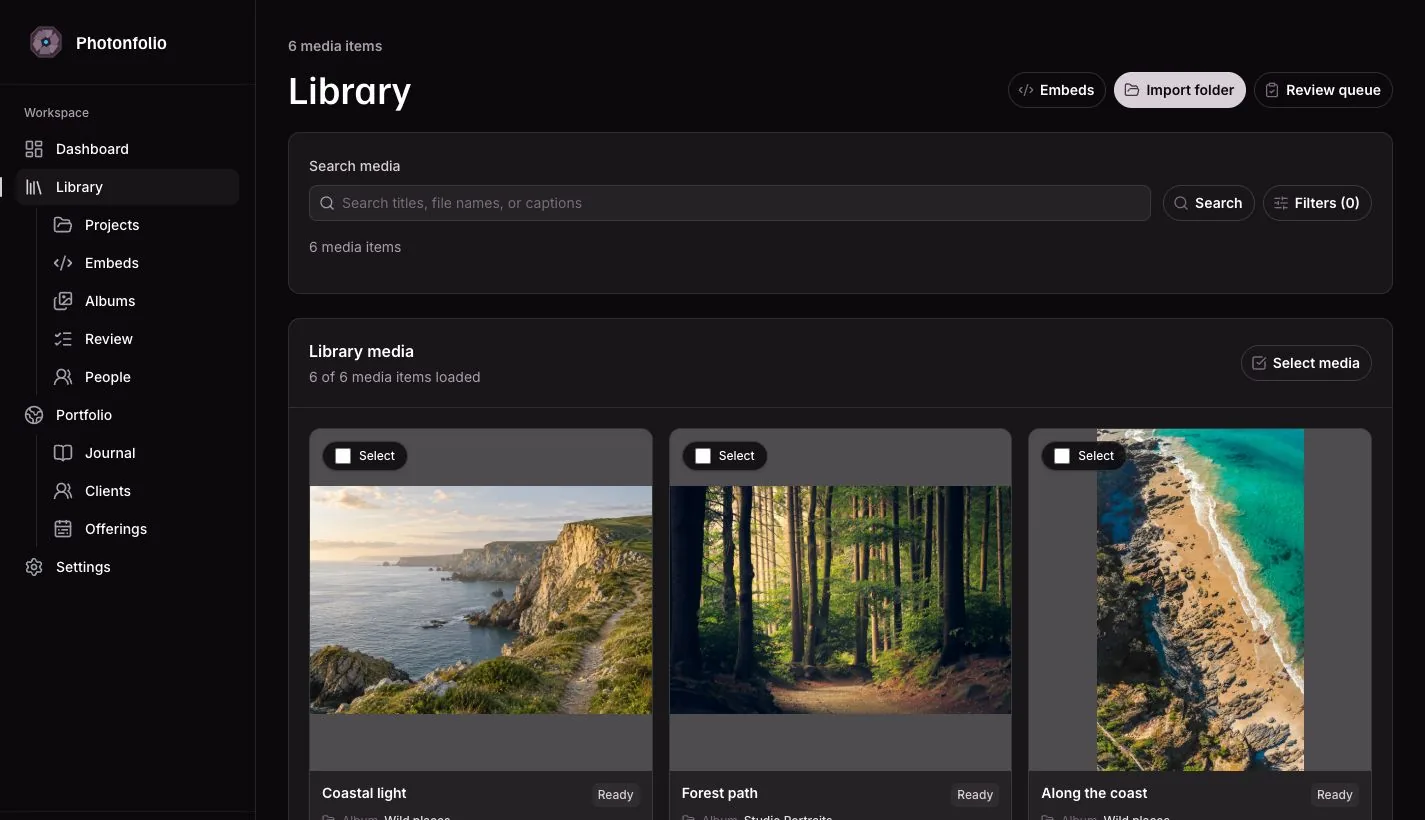
Keep folders, metadata, and RAW/JPEG pairs together, then find the frame you need.
Bring in a full shoot with folders, metadata, and RAW/JPEG pairs together.
Find the image you remember, even when you have forgotten the filename.
Review and edit
AI signals speed the first pass. Edit Studio keeps every render tied to the original frame.
Spend less time on the first pass and more time with the frames that matter.
Create a consistent look while keeping your original photos intact.
Share and grow
Deliver privately, collect client favorites, and let your best work lead to the next inquiry.
Give clients one beautiful place to view, choose, and download their photos.
Show your best work and keep the next client project moving.
Find work and plan your next steps with an assistant you trust. You choose what it can access.
Every account starts on Free. Choose more capacity when you need it. Prices in USD, billed monthly.
Video uploads are available in supported workspaces. Contact us to confirm availability before choosing a plan for video work.
$0/month
Put your first gallery in clients’ hands.
Up to 100 photos
5 GB video storage
Private galleries and client favorites
AI culling, search, and Edit Studio
Public portfolio publishing
$19/month
Make room for regular client work.
Up to 2,500 photos
250 GB video storage
Everything in Free
More room for shoots and your archive
Priority support
Upgrade to Pro after signup.
$49/month
Keep a busy studio’s work together.
Up to 25,000 photos
1 TB video storage
Everything in Pro
Capacity for larger studio archives
Priority support
Upgrade to Team after signup.
A few details to help you feel at home before your first upload.
Yes. Create an account with your email and password. The Free plan includes up to 100 photos, with no credit card required. Upgrade from settings when you need more room.
Yes. Publish your first gallery, then organize more of your work as you go. Search, AI culling, and Edit Studio are included on every plan.
No. Galleries handle delivery; the workspace also covers import, search, metadata, AI review, editing, retouch requests, and portfolio publishing.
Yes. AI review highlights likely keepers, duplicates, and focus or expression concerns. You review the suggestions and make every final selection.
Edit Studio keeps recipes, presets, trained styles, retouch requests, and edited delivery renders connected to the original photo.
No. Clients open your gallery link, with a password if you set one. Enable favorites when you want their picks; they only need to enter their name to start a review.
Upload your first photos, explore the tools, and share when you are ready. Start with 100 photos free, with no credit card required.