Client gallery delivery
Private client galleries built for delivery day.
Photonfolio helps photographers publish private client galleries with passwords, downloads, maps, EXIF context, and intentional delivery controls.
Short answer
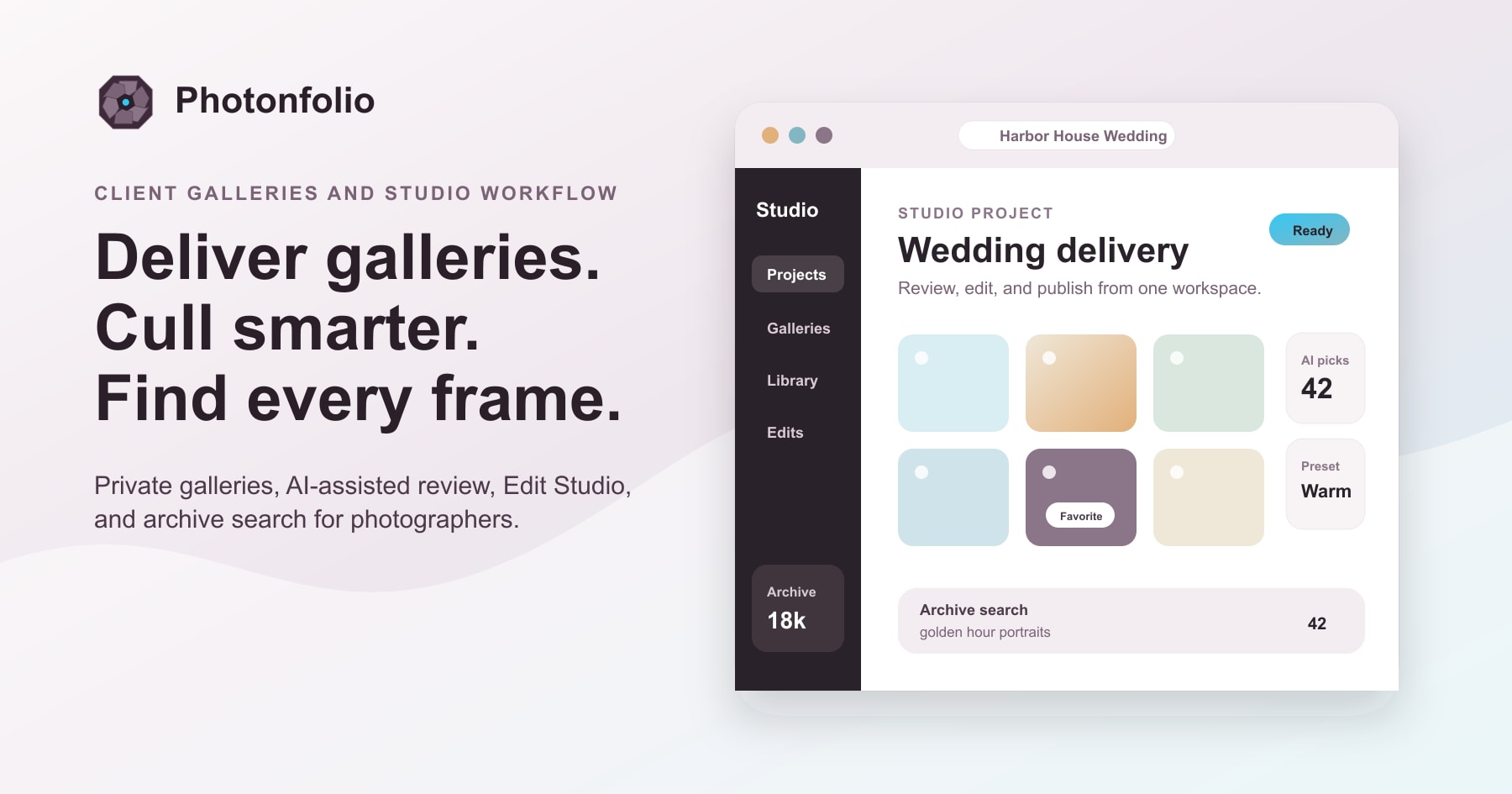
Photonfolio gives photographers a polished private gallery for each client while keeping archive search, AI review, editing, and delivery controls in the same workspace.
Why it matters
Built around the moment the studio needs this feature.
Wedding, portrait, event, commercial, and studio photographers delivering selected work to clients. Use it when a shoot is ready to share and the client needs a simple place to view and download.
Downloads, maps, and EXIF settings stay configurable per gallery.
Client-facing delivery remains clean while studio tools stay out of the way.
Workflow
A cleaner path through the work.
Move from intake to review to delivery with a sequence that keeps the next studio decision clear.
1
Prepare the gallery
Choose the finished set, confirm privacy, and keep maps, EXIF, and download settings intentional.
2
Invite the client
Share a polished link with the controls clients expect instead of sending files through scattered tools.
3
Keep delivery organized
Keep gallery settings, archive context, and final delivery close to the same studio workspace.
Use cases
Common jobs this supports.
Wedding deliveryPortrait galleriesEvent recap galleriesCommercial selects
Feature questions
Direct answers for photographers comparing studio delivery tools.
What is Photonfolio client gallery software best for?
Photonfolio is best for photographers who need private client galleries with downloads, password protection, maps, EXIF controls, and studio-side organization.
Can clients download photos from Photonfolio galleries?
Yes. Gallery owners can configure download behavior so clients receive the right files while the studio keeps delivery settings under control.
Does gallery delivery connect to the wider studio workflow?
Yes. Gallery delivery settings and archive context stay connected to the project, edits, and the next delivery step.
Ready to try it?
Start free with the next shoot.
Use the first gallery to test the workflow, then add archive, AI review, and editing as needed.