Portfolio and studio workspace
A calmer workspace for portfolio, clients, and studio operations.
Photonfolio gives photographers a studio workspace for project dashboards, portfolio publishing, inquiries, billing visibility, client records, and delivery workflows.
Short answer
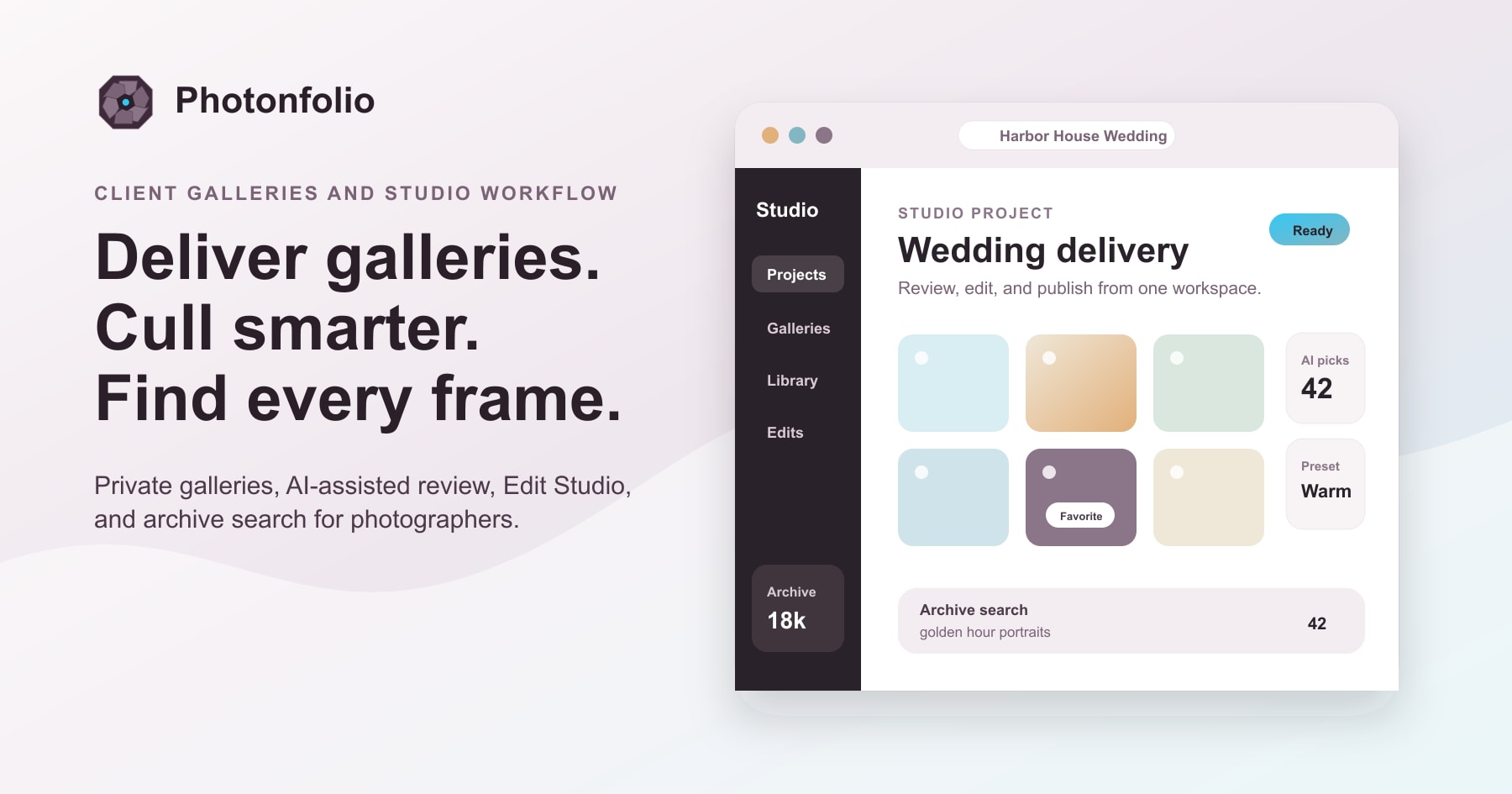
Photonfolio keeps the studio work around each shoot together: projects, portfolio publishing, inquiries, client records, billing visibility, galleries, archive search, AI review, and editing.
Why it matters
Built around the moment the studio needs this feature.
Solo photographers, professional photographers, and small studio teams building repeatable client delivery. Use it when separate gallery, archive, editing, portfolio, and client tools start slowing the studio down.
Portfolio publishing and social links help finished work support discovery.
Client records, inquiries, and billing visibility stay near delivery work.
Workflow
A cleaner path through the work.
Move from intake to review to delivery with a sequence that keeps the next studio decision clear.
1
Open the project
See the shoot, gallery, archive context, client record, and next delivery action together.
2
Publish and follow up
Move selected work into private galleries, portfolio pages, social links, and client touchpoints.
3
Track the studio layer
Keep inquiries, billing visibility, and repeatable setup close to the work without heavy software.
Use cases
Common jobs this supports.
Project dashboardsPortfolio publishingClient recordsStudio visibility
Feature questions
Direct answers for photographers comparing studio delivery tools.
Is Photonfolio only a gallery tool?
No. Photonfolio includes client galleries, archive search, AI review, Edit Studio, portfolio publishing, inquiries, billing visibility, and studio workspace context.
Who is the Photonfolio studio workspace for?
It is for solo photographers, professional photographers, and small teams that want a lighter operating system around client delivery.
Does Photonfolio replace heavy studio management software?
Photonfolio focuses on lightweight studio operations around photography work rather than turning the product into a complex CRM.
Ready to try it?
Start free with the next shoot.
Use the first gallery to test the workflow, then add archive, AI review, and editing as needed.